Analyzing Bluetooth Smart Gadget Communications
Bluetooth Smart (Bluetooth Low Energy; BLE) is everywhere!
GPN24 (6. Juni 2026, 22:30, ZKM Kubus)
Le Smart Classic Bluetooth? 🤔
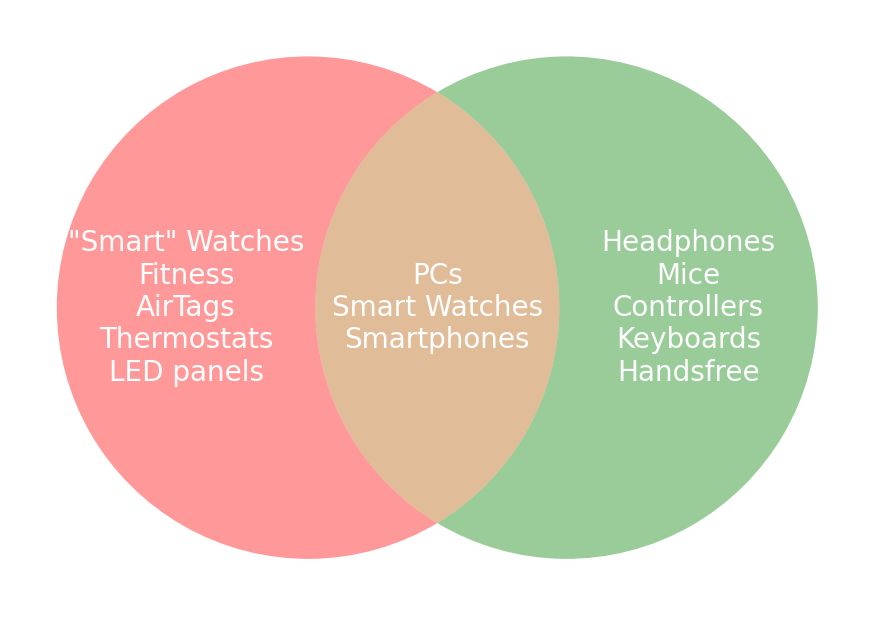
Bluetooth Low Energy ⇒ Bluetooth LE ⇒ BLE
“Bluetooth 4.2” / “Bluetooh 5.0” sometimes
The “S” in Bluetooth LE stands for “Security”
- Everything is just “Bluetooth” as of 5.0!
Bluetooth LE Profiles
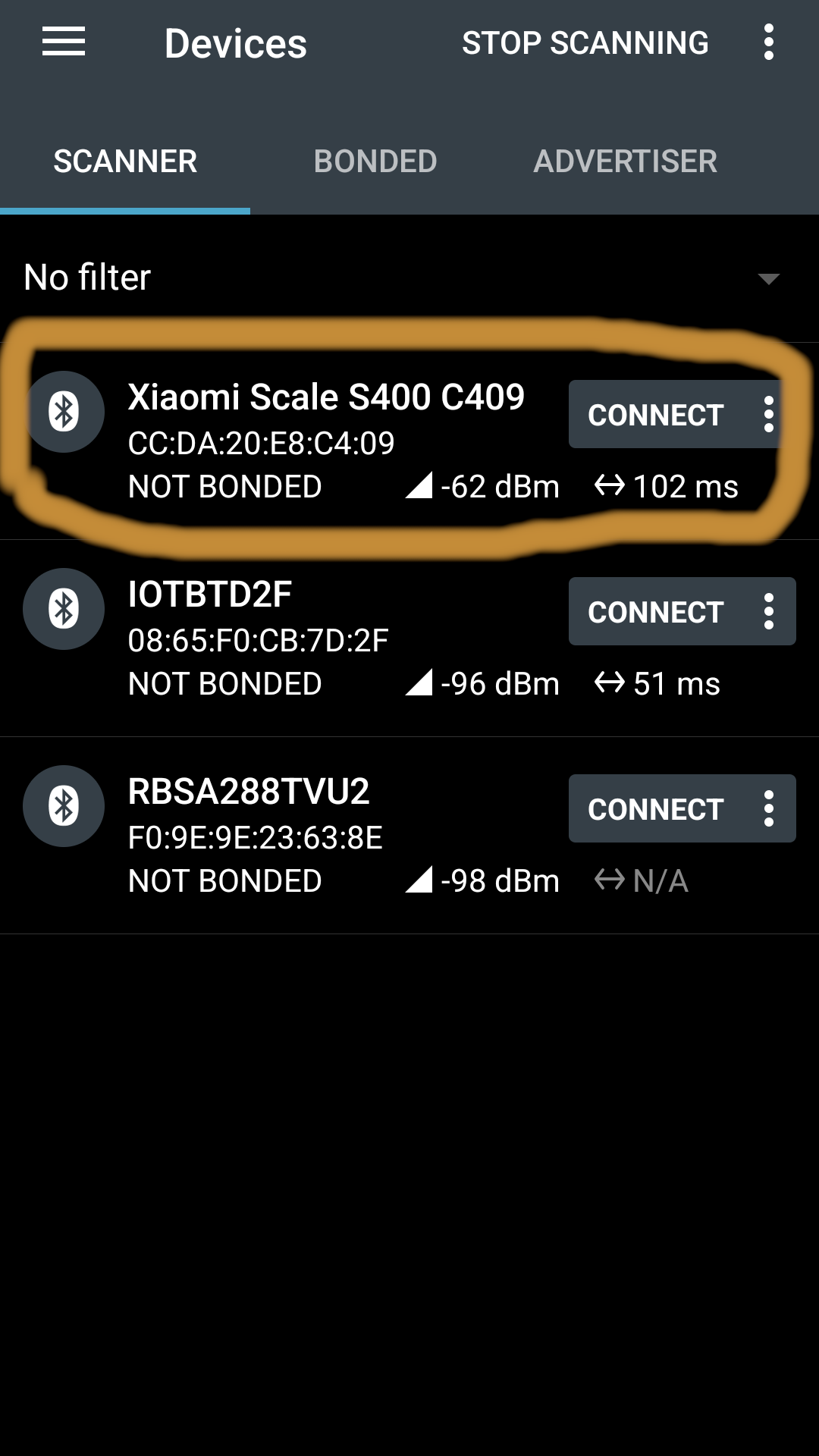
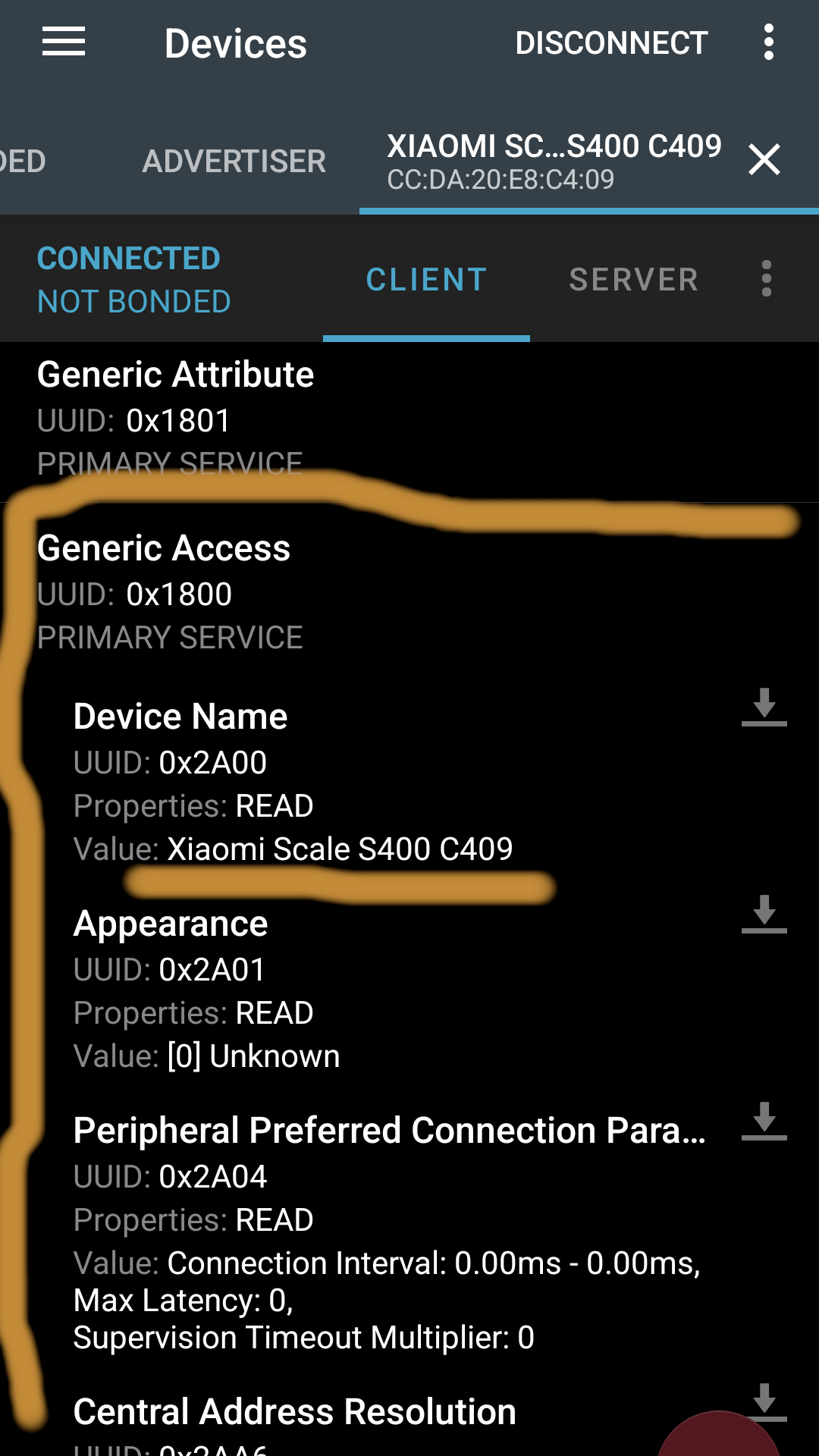
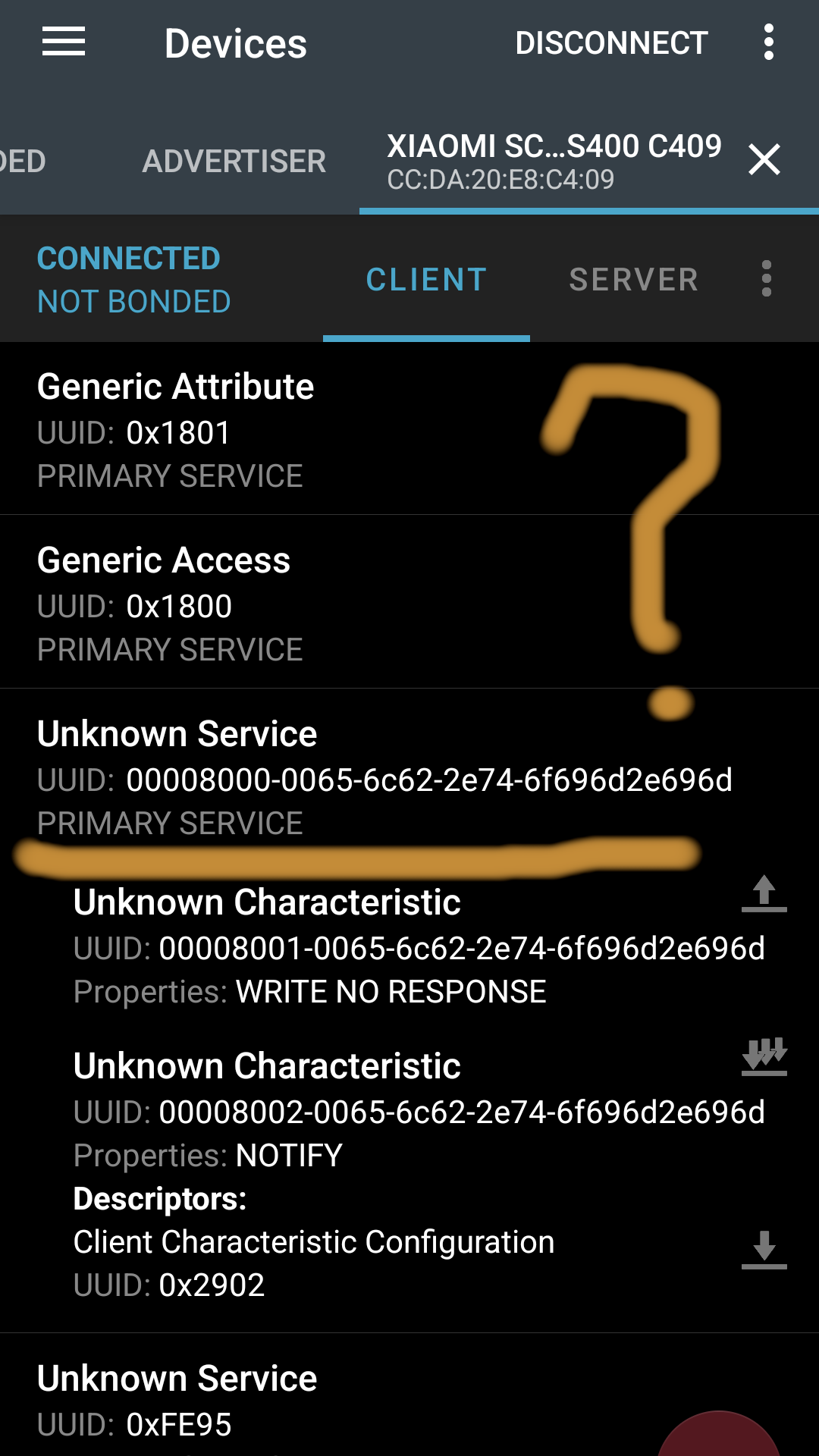
Bluetooth LE Service Structure
Every item has a UUID
- “Short” UUID (
0x1800) - approved by Bluetooth Special Interest Group (SIG)- Short-form based on Bluetooth SIG Base UUID:
0x1800=00001800-0000-1000-8000-00805F9B34FB
- Short-form based on Bluetooth SIG Base UUID:
- “Long” (random!) UUID - vendor-specific, collision-resistant
Reading and Writing
- “Service”: functionality discoverable by its respective UUID
- “Characteristic”: individual data element (e.g. “Device name”)
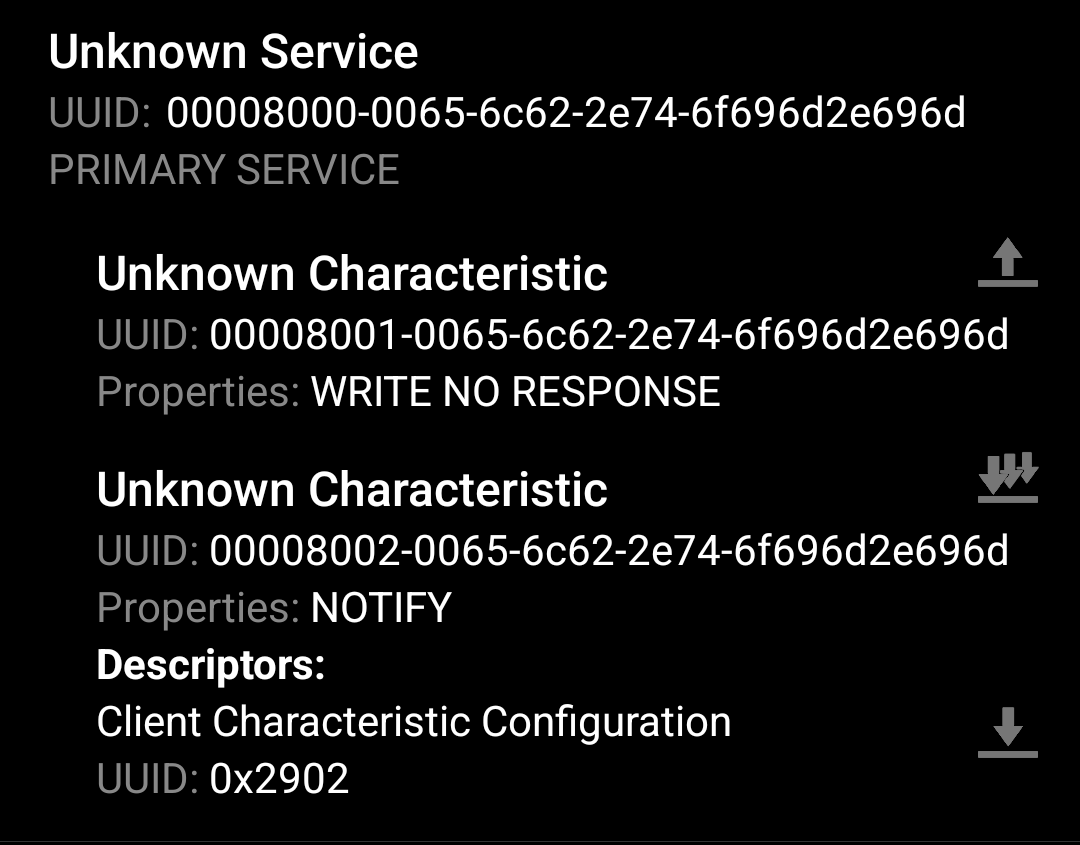
WRITE➤ send dataREAD➤ request data immediatelyNOTIFY➤ request data updates
- “Handles” used on the wire for services and characteristics
- data fragmentation based on MTU: 🎲 23 / 158 / 185 / 517
- Common combo: 1x
WRITE+ 1xNOTIFYas “serial interface”
Challenge Levels
| Gadget | Name | Properties | Level |
|---|---|---|---|
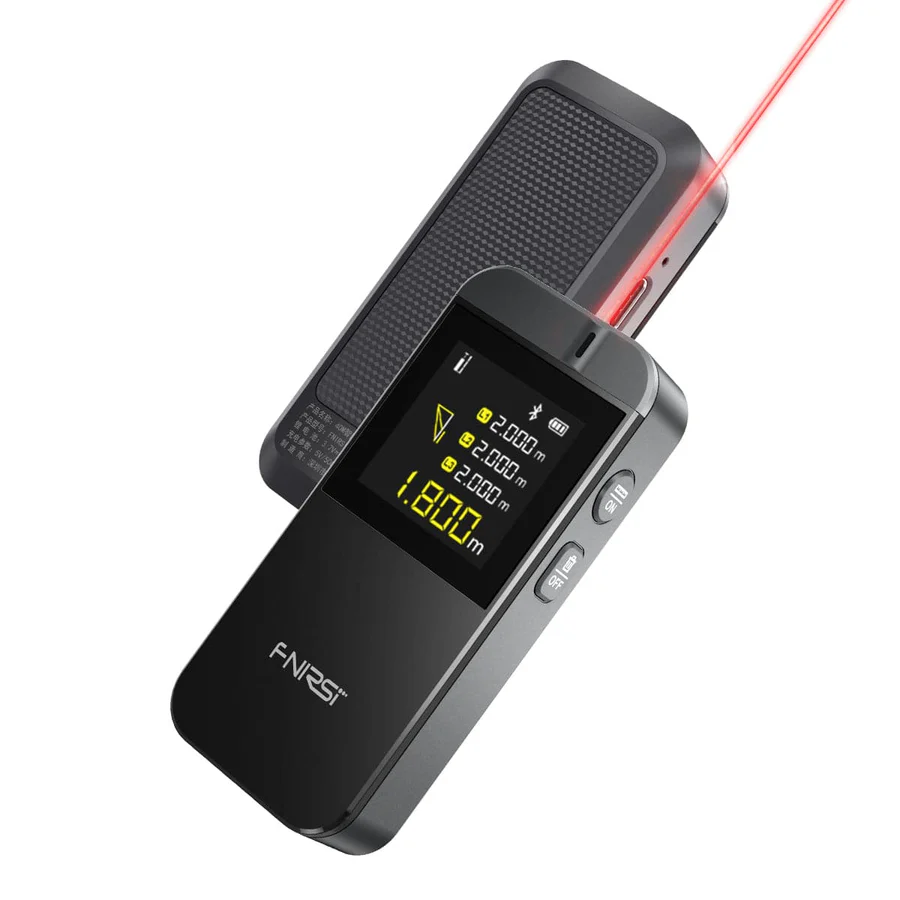 |
Fnirsi IR40 Laser Distance Meter | React Native. Unauthenticated NOTIFY with distance in
mm, WRITE to start continuous measurement (webtool) |
★☆☆☆☆ |
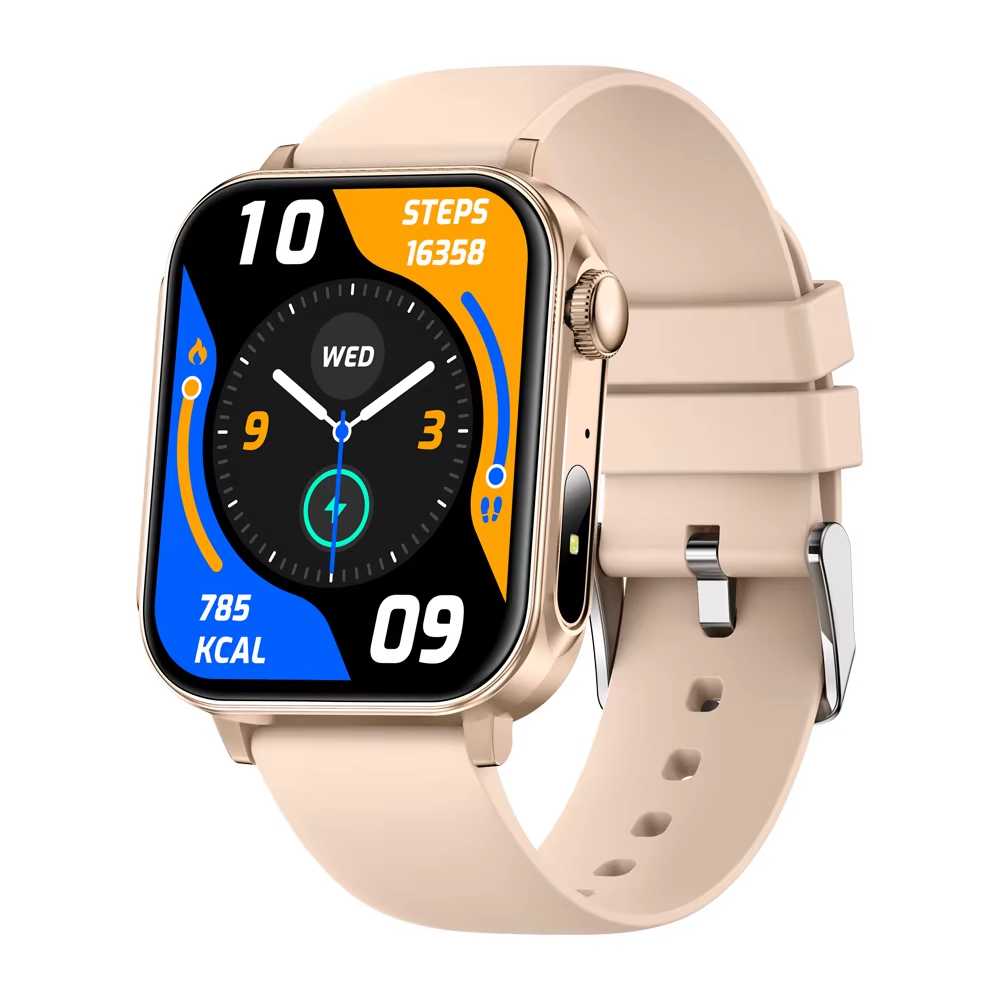 |
Colmi P80 | Obfuscated Java. Simple WRITE and NOTIFY,
>60 commands, sub-, sub-sub-commands, opaque (Moyoung) |
★★☆☆☆ |
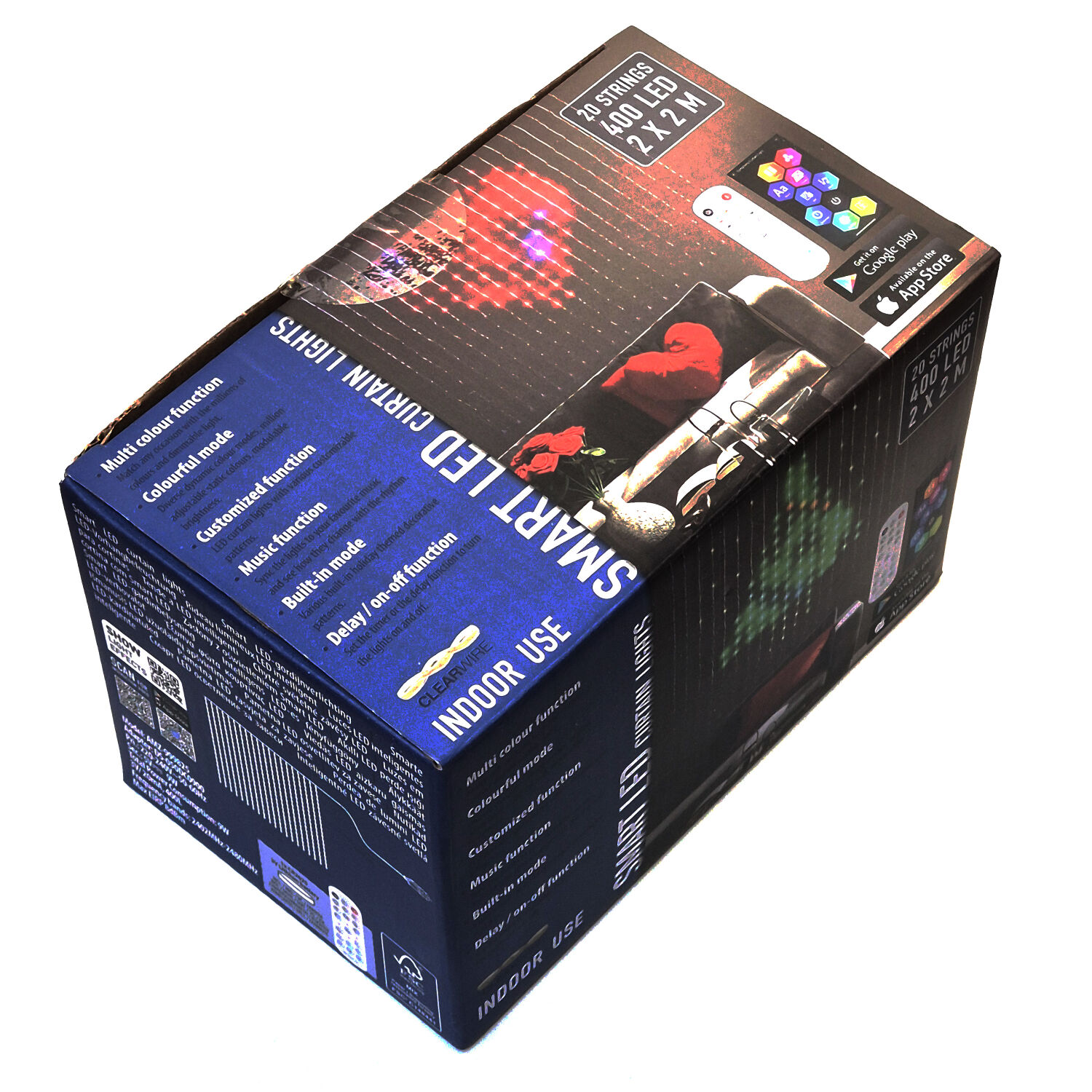 |
SurpLife SMART LED Curtain | Flutter binary app 🤐. Simple WRITE commands for
single-color fill, complex image format for bitmaps (code) |
★★★☆☆ |
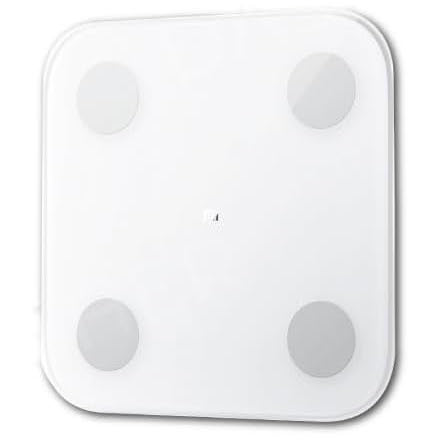 |
Xiaomi S400 Body Scale | Obfuscated Java. Encrypted, authenticated, requires online login and cloud token extraction | ★★★★☆ |
 |
SpportsTech ES600 | Unobfuscated Java. Simple protocol, BUT: Requires pedaling the bike to connect | 🥵🥵🥵🥵 |
Am I the first?
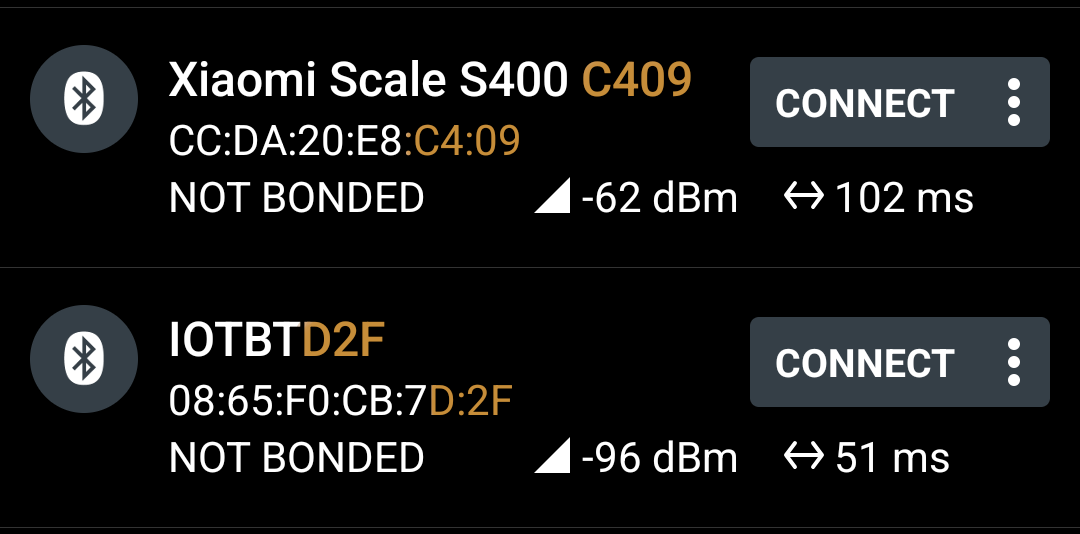
Use nRF Connect
- Get “Device Name”
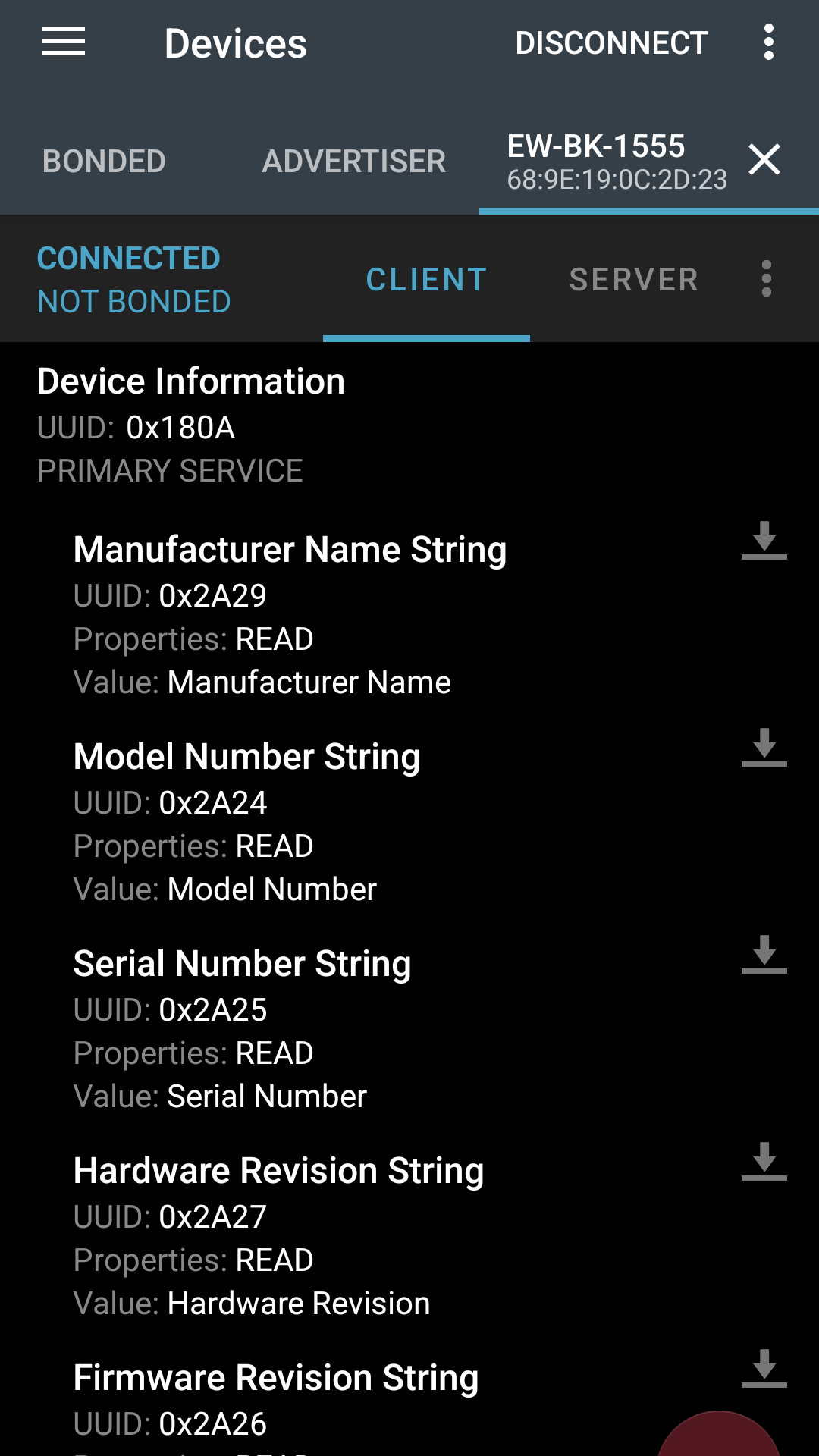
- Get service and characteristic UUIDs
- Device Name sometimes contains parts of MAC address
Use Google
your favorite search engine!
- Search for BLE name, UUIDs, brand name, model, …
- Look up MAC address manufacturer…
- Check GitHub, GitLab, Codeberg, …
- Fitness: check Gadgetbridge issues, ask the devs
Xavax 7W E27 RGB Light
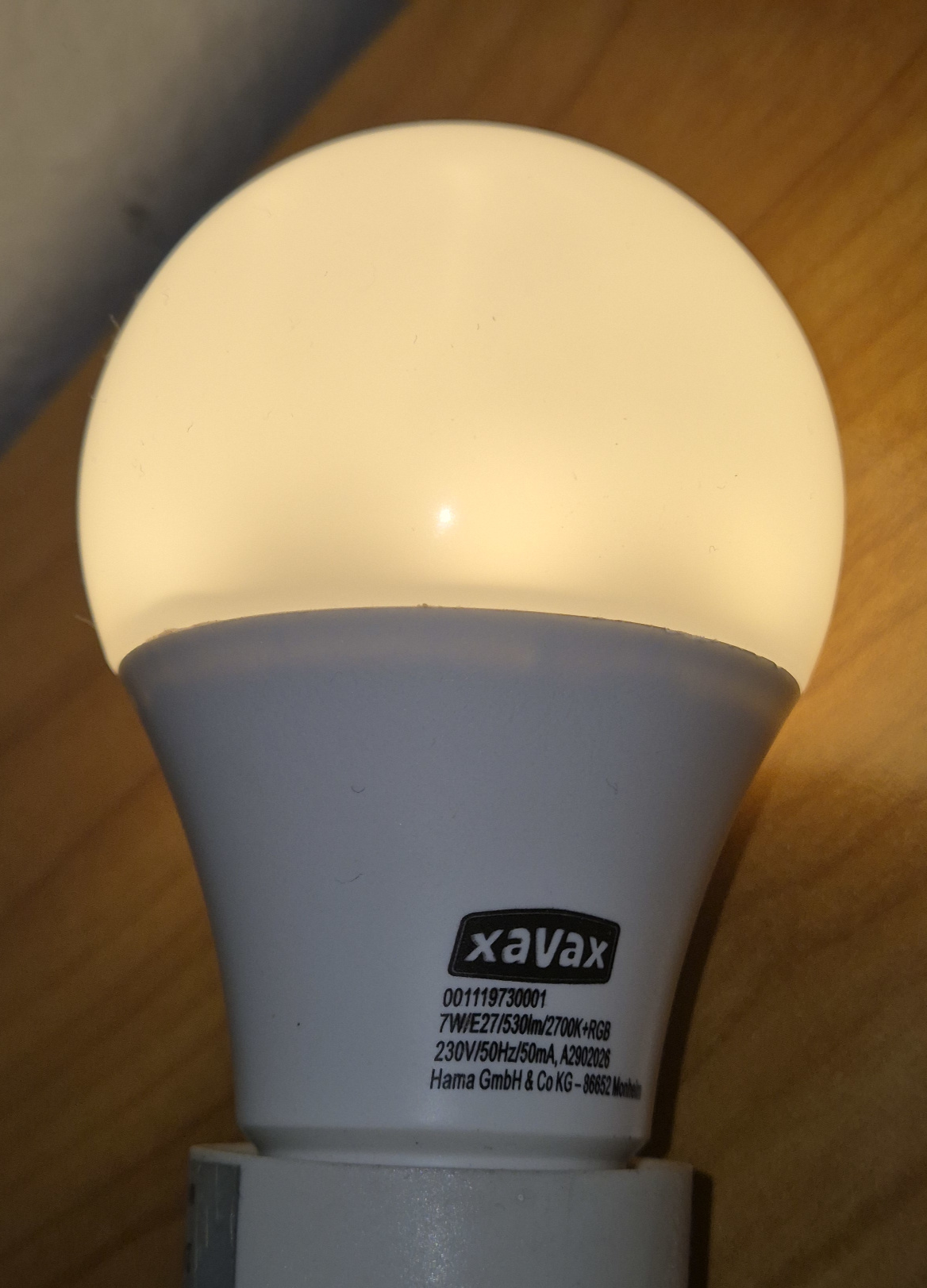
- No clear model name, opaque PN (“001119730001”)
- Googled “Xavax RGB LED Bluetooth”
- Found User
manual with hint:
- App is called “XAVAX II” (~2018) - deleted from Play Store eons ago
- APKPure has mirror of APK
- Package name
com.mobifyi.xavax_app
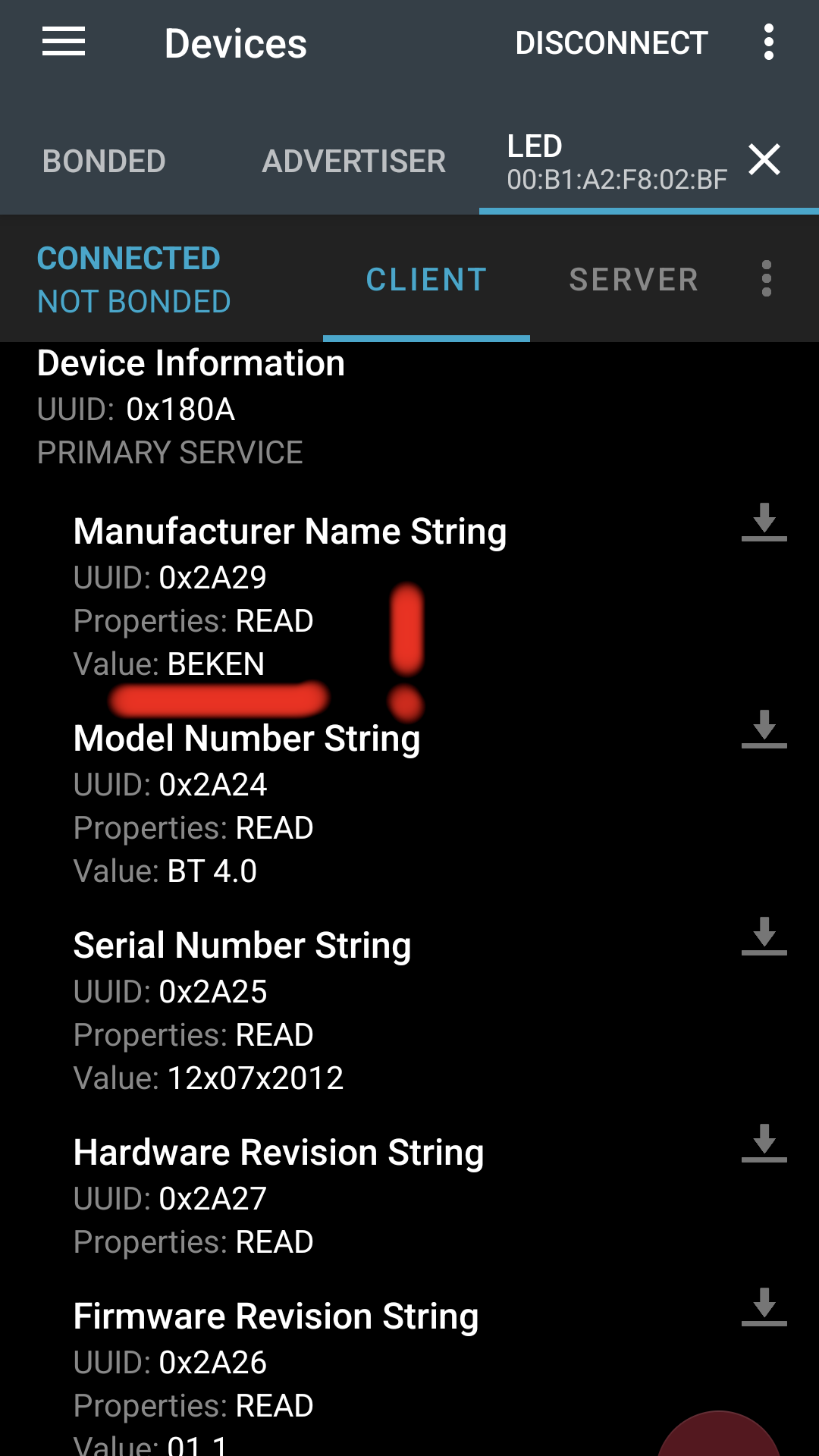
- BLE name “BEKEN”
- Searching “BEKEN XAVAX” yields:
- FHEM Wiki: BEKEN iLedBlub
- Protocol reverse engineering done! 😉
Wiresharking the log
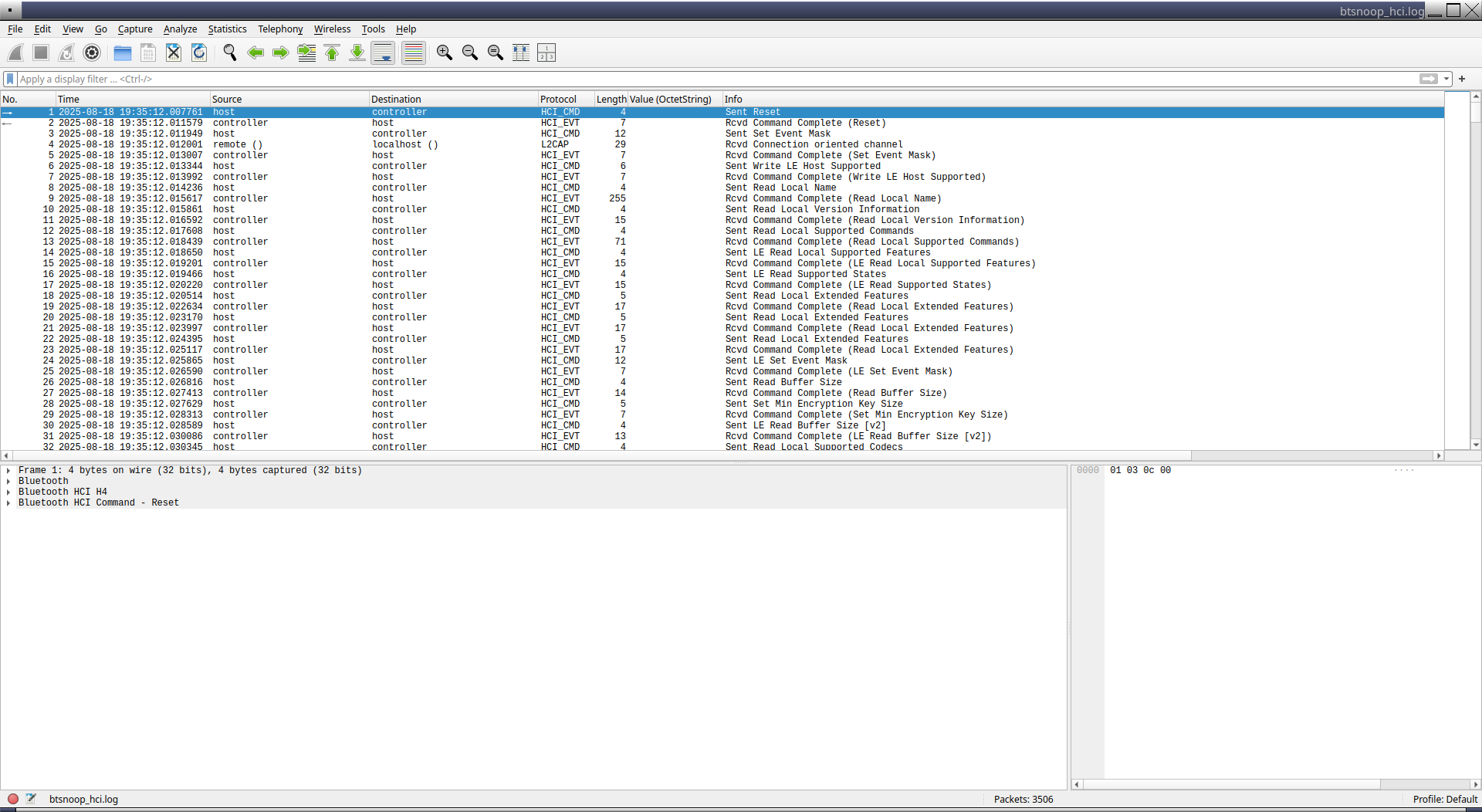
Wireshark: Filters
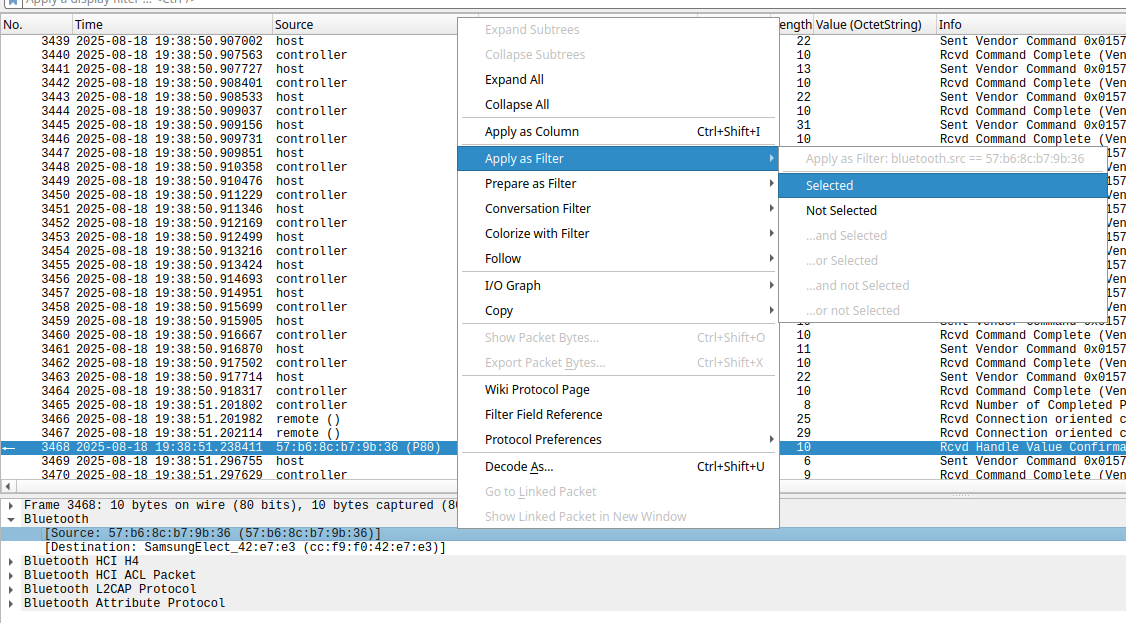
bluetooth.addr==DE:AD:CA:FE:BA:BE(from/to gadget)btatt(Bluetooth ATT payloads)btatt.opcodevalues:0x0b=READ···0x1b=NOTIFY···0x52=WRITE
Analyzing the App
Decompile with jadx
jadx-gui base.apk➤ open in interactive viewerjadx base.apk➤ will extract intopackage_name/
Exploration and digging
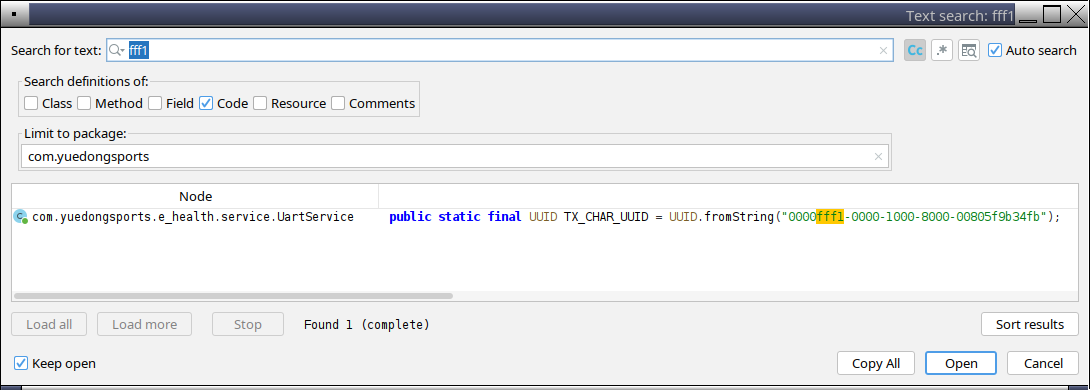
- Find the UUIDs / names / other things
- “Navigation” ➤ “Text Search” ➤
fff1(UUID for SportsTech ES600)BluetoothAdapter.LeScanCallbackBluetoothGattCallbackBluetoothGattCharacteristic
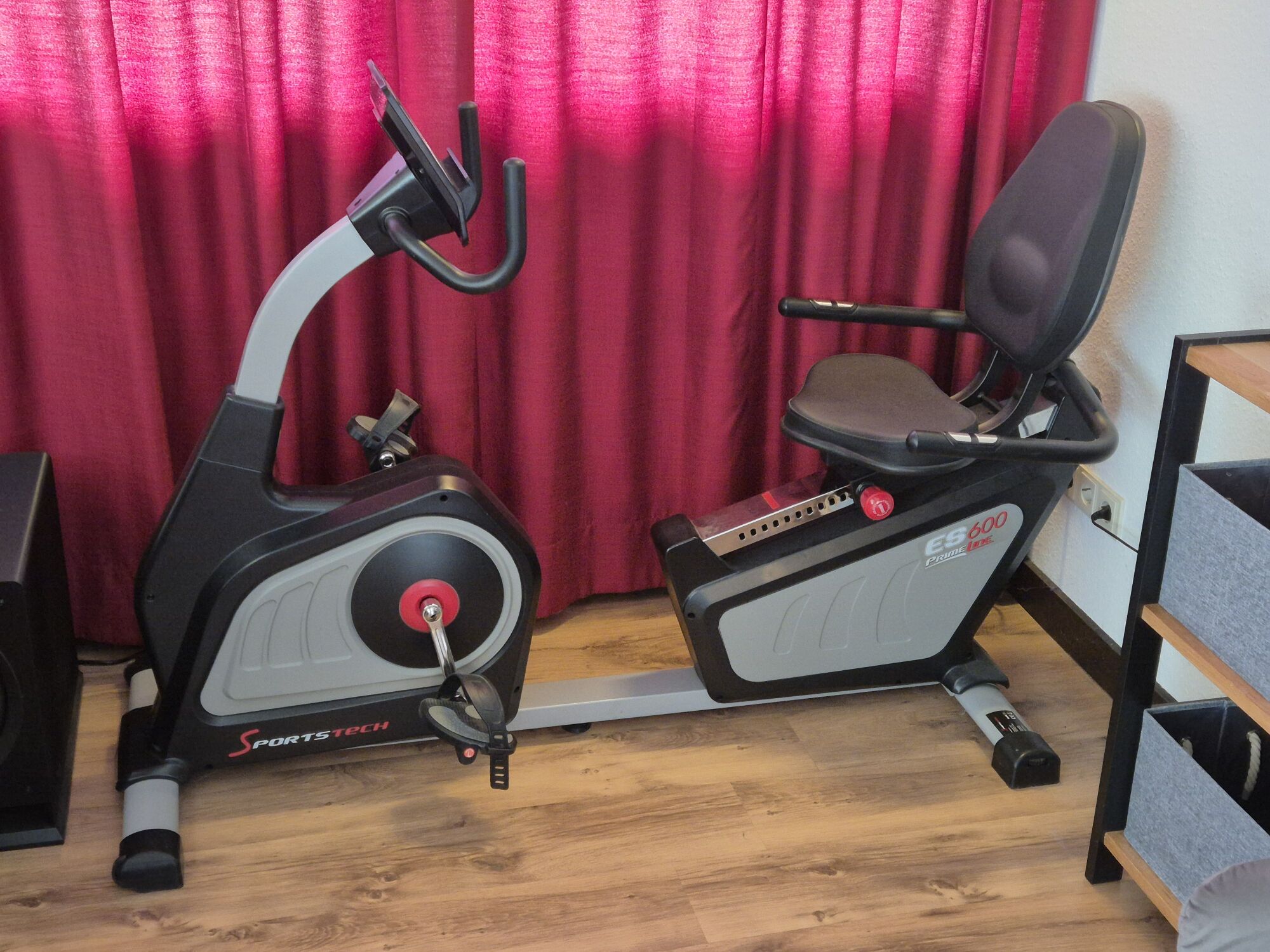
Device Under Test
“eHealth” app (2018)
Package name: com.yuedongsports.e_health - UUIDs
fff1 and fff2
/* com.yuedongsports.e_health.service.UartService */
RX_CHAR_UUID = UUID.fromString("0000fff2-0000-1000-8000-00805f9b34fb");
TX_CHAR_UUID = UUID.fromString("0000fff1-0000-1000-8000-00805f9b34fb");

/* stripped irrelevant code, error handling, debug output */
public boolean writeRXCharacteristic(byte[] payload) {
    service = mBluetoothGatt.getService(RX_SERVICE_UUID);
    characteristic = service.getCharacteristic(RX_CHAR_UUID);
    characteristic.setValue(payload);
    mBluetoothGatt.writeCharacteristic(characteristic);
}
/* com.yuedongsports.e_health.util.BluetoothCommand */
public static boolean readUserInfo(UartService uartService) {
    L.e("readUserInfo...");
    byte[] payload = { 242, 194, 1, 0, 0 };
    payload[4] = BluetoothCalculatorUtils.checkOutSum(payload);
    return uartService.writeRXCharacteristic(payload);
}
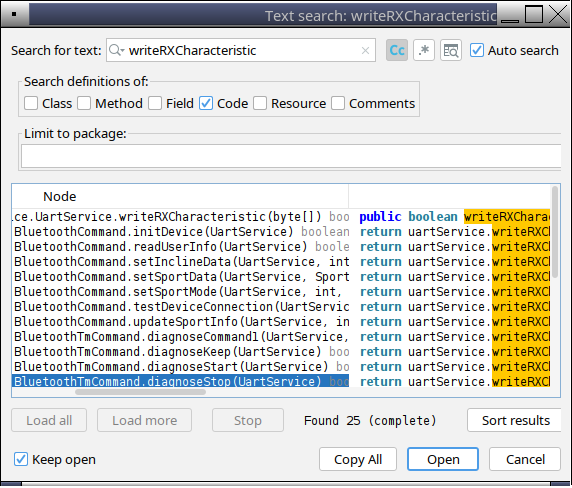
242 = header, 194 = cmd “read user info”,
1 = length, 0 = payload,
checkOutSum() - all bytes’ sum
Python Reimplementation with Bleak
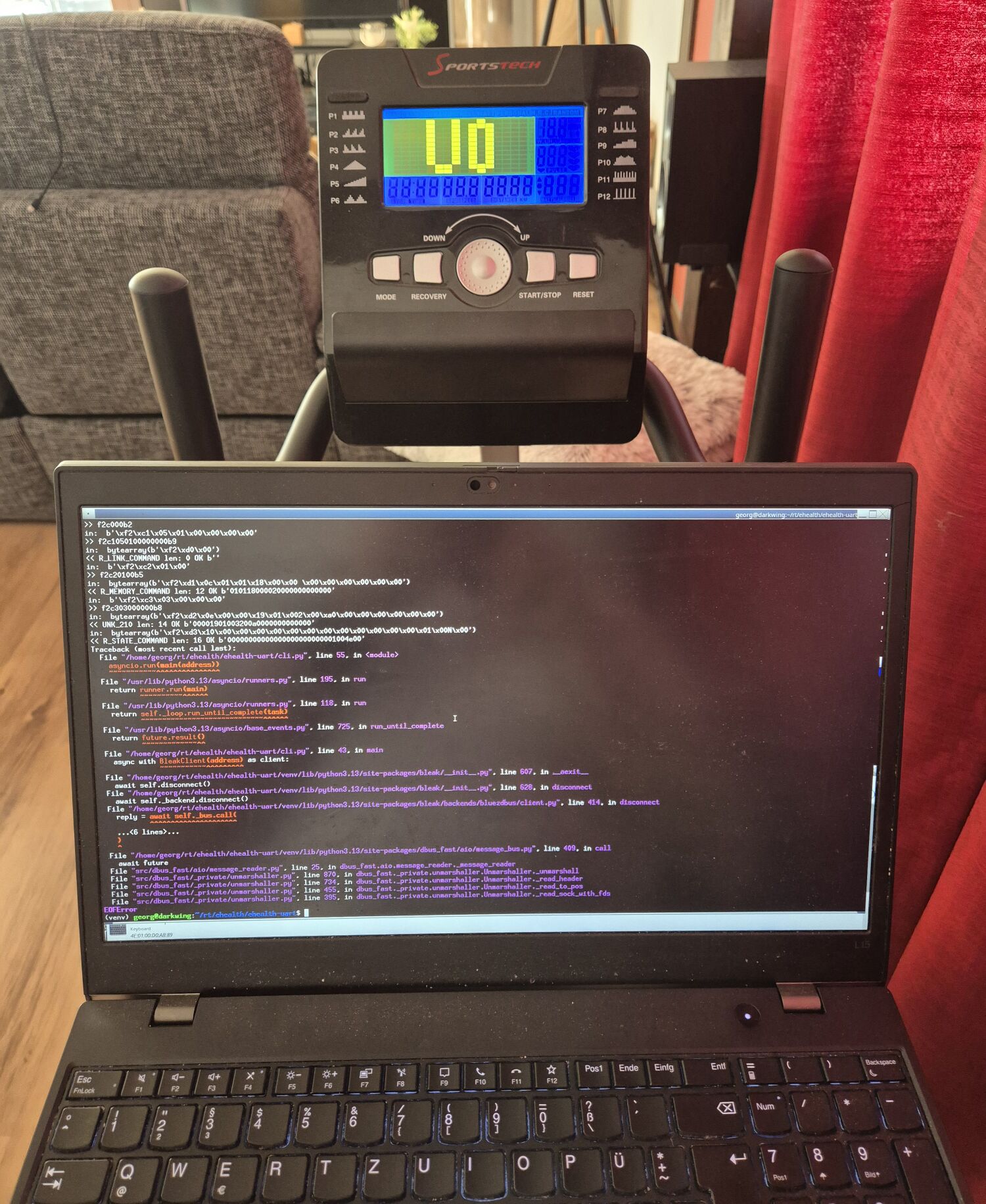
(venv) $ python3 cli.py 68:9E:19:xx:xx:xx
Connecting...
Connected!
>> f2c000b2
>> f2c1050100000000b9
<< R_LINK_COMMAND len: 0 b'\xc2' 194 b''
>> f2c20100b5
<< R_MEMORY_COMMAND len: 12 b'\t' 9 b'010118000020000000000000'
<< UNK_210 len: 14 b'\xbe' 190 b'00001901003200a0000000000000'
...
EOFError- I crashed it (the controller reboots)!
🎉 🤦
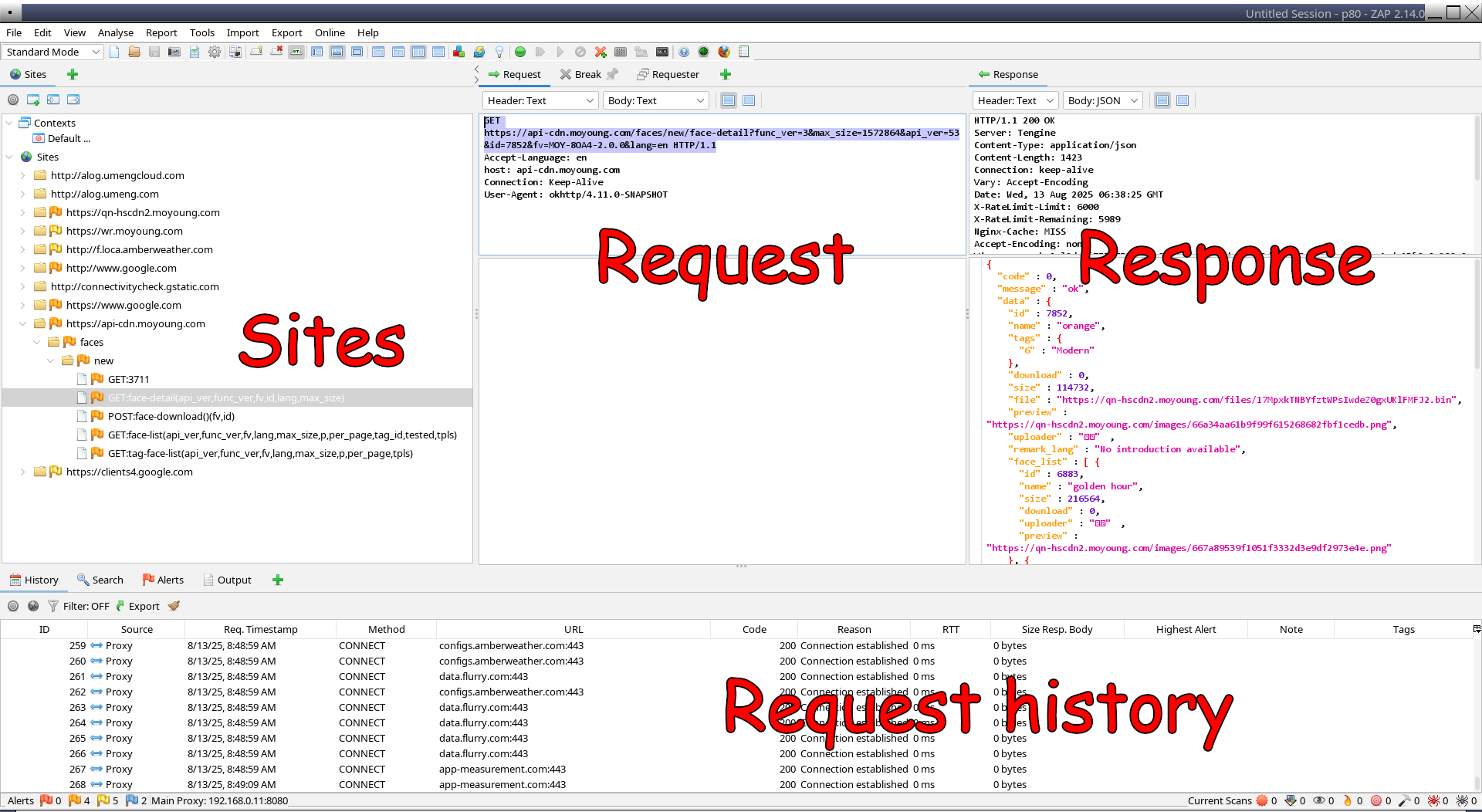
Zed Attack Proxy
Perform a MitM attack on app’s cloud connection to get a full picture
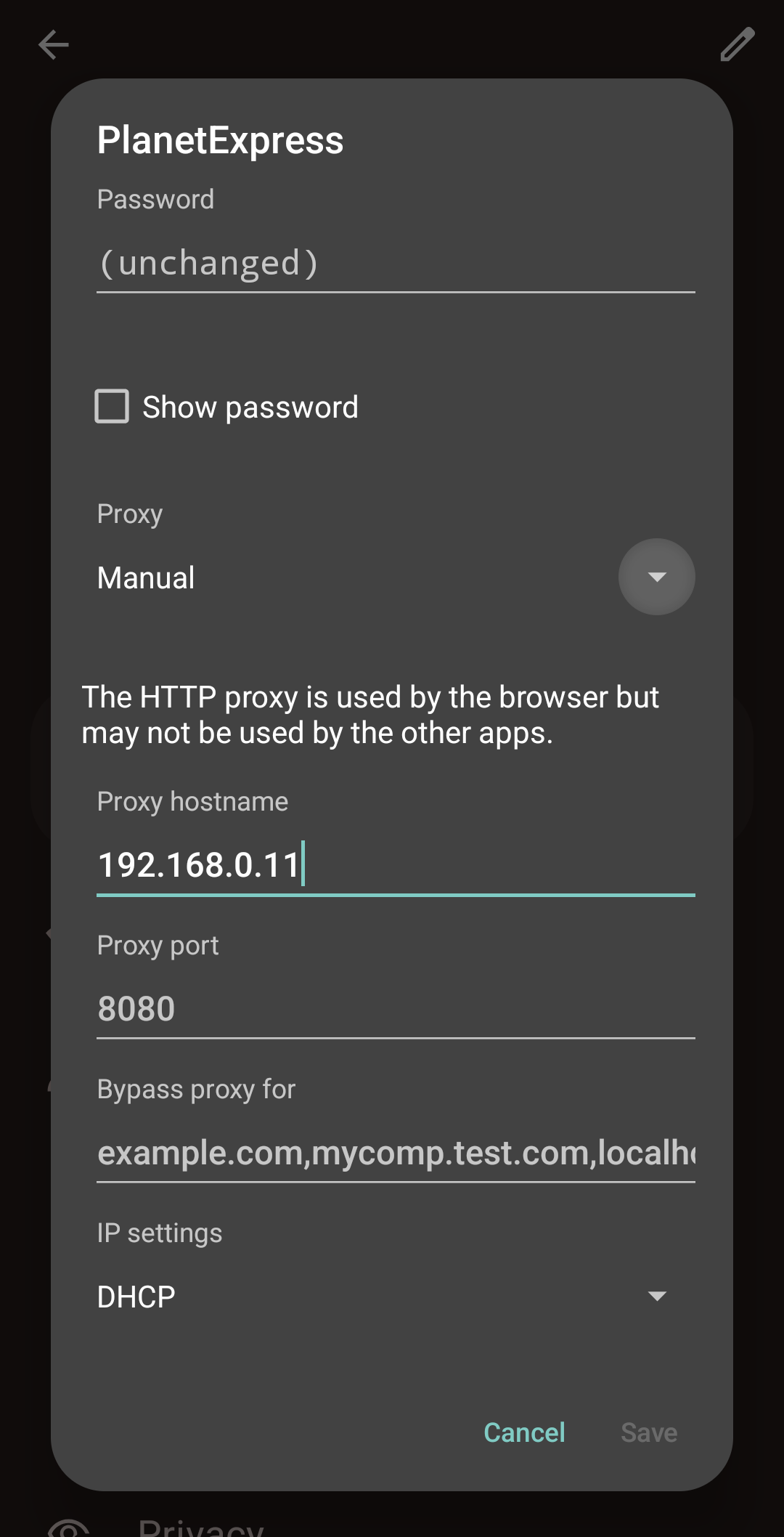
- Install and launch ZAP on your PC, under Tools
➤ Options ➤
- Local Servers/Proxies ➤ Main Proxy: check IP and port!
- Server Certificates: Generate, Save
zap_root_ca.cer
- Use apk-mitm on the target APK
- Fully uninstall the originally signed app, install the MitM-patched APK (if you get a certificate mismatch error, also uninstall from work profile 🤦)
adb push zap_root_ca.cer /sdcard/- Android Settings ➤
- Connections ➤ WiFi ➤ “My Network” ➤ More ➤ Proxy ➤ Manual ➤ Your laptop IP
- Security ➤ Encryption & Credentials ➤ Install a certificate ➤ CA certificate
- PROFIT!
Alternative: mitmproxy (web UI, wireguard “service”)